One list. Everything for the plan.
Choose your household size and 7 or 14 meals. We combine the recipe ingredients and organize what to buy.
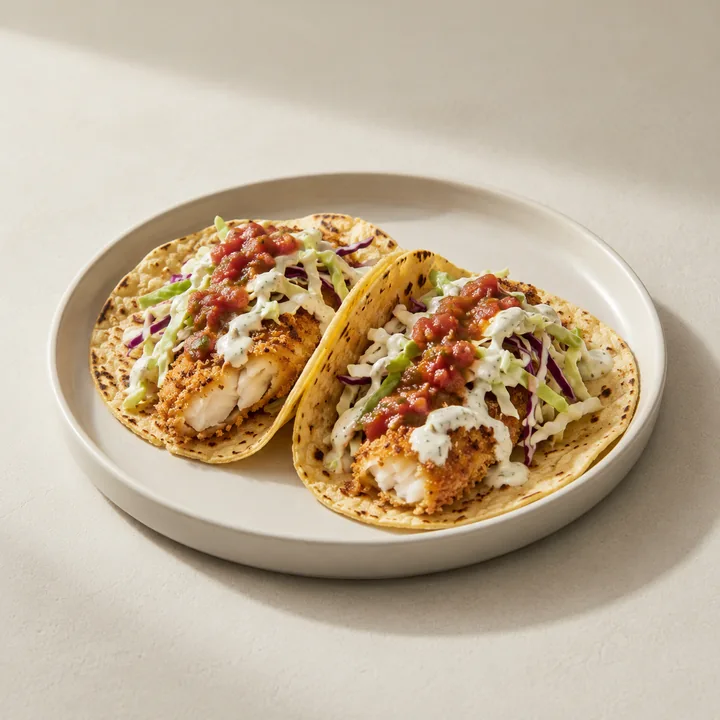
Start with the meals you’ll cook.
The list comes from the recipes in your selected menu. Seven meals means seven recipes; fourteen means fourteen. Each recipe is sized for your household, and shared ingredients are combined in the list.
Buy in grocery-store quantities.
Cooking calls for exact amounts. Shopping calls for whole onions, packs of tortillas, and pounds of chicken. We add the week’s ingredient needs first, then round up to suggested buying quantities. Pack sizes and produce yields are estimates; check the labels at your store.
Check the pantry before you shop.
Produce, proteins and dairy, pantry and freezer items, and staples to check are kept in separate sections. Already have something? Leave it off your shopping trip. Exact salt, spice, and oil amounts stay on the recipe pages.
Take it with you.
Choose Save grocery list to share your list with Notes or another app, or copy the text.
What this list doesn’t do.
It doesn’t know what’s in your fridge, check local inventory, estimate checkout prices, or order groceries. It’s a practical starting point for the week you’ve chosen.
Want your next week handled?
Get an email when Meal launches on iPhone in the US.
Put a good week together
 Crispy Baked Fish Tacos
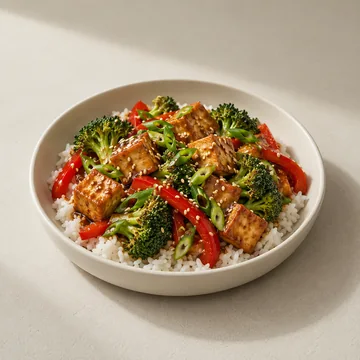 Sesame Tofu & Vegetable Bowls
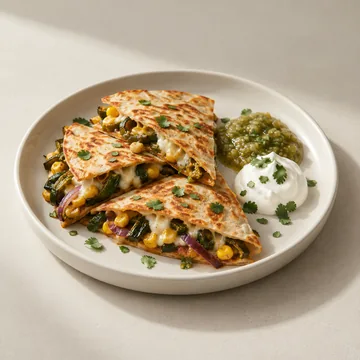 Corn & Poblano Quesadillas
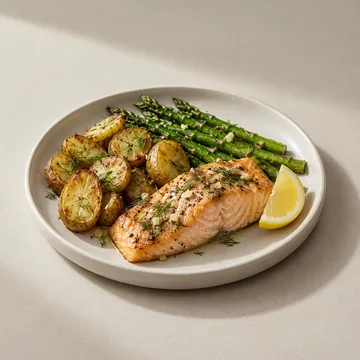 Alaska-Inspired Salmon Bake
Meal for iPhone is coming to the US. Join the free launch waitlist.
Get your grocery list with Meal